Finish the Backup
Save photos, contacts, messages, documents, apps, and settings to a cloud service or computer, then confirm the backup completes before you leave home.
Before any screen, battery, charging-port, back-glass, or water-damage repair, Phoenix Phone Repairs recommends completing a backup, signing out of device and cloud accounts, turning off device-finder locks, removing the SIM and microSD cards, and disabling biometric access when testing requires it. These steps reduce unnecessary exposure to photos, messages, saved passwords, work files, and carrier access while helping a technician test the hardware without personal accounts. The Phoenix team walks hundreds of customers across the Salt River Valley through this checklist every week.
Save photos, contacts, messages, documents, apps, and settings to a cloud service or computer, then confirm the backup completes before you leave home.
Sign out of device and cloud accounts, disable device-finder locks, and remove the SIM and microSD cards to limit account, carrier, and file access.
Turn off biometric locks when the repair requires a power-on test. Share a passcode only for necessary testing, and never provide banking or email passwords.
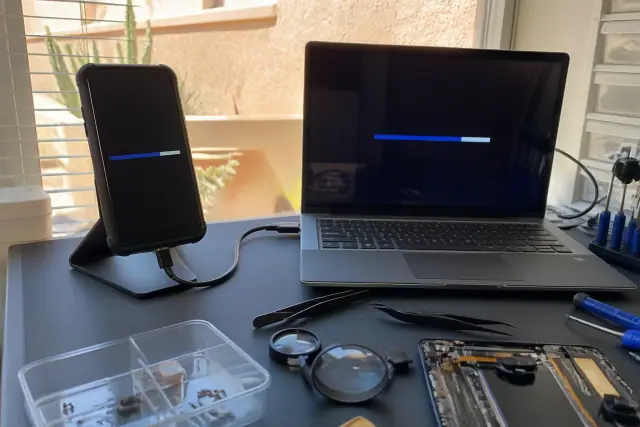
A finished cloud or computer backup protects photos, contacts, messages, and documents if the device must be reset or suffers data loss.
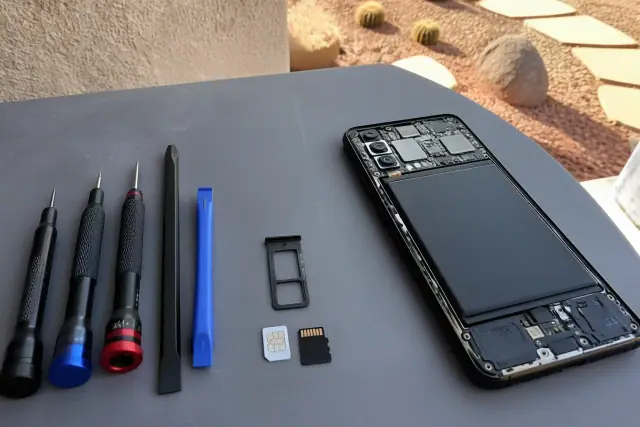
Seeing both removable cards outside the device makes the key physical step unmistakable and prevents them from being lost or accessed during repair.
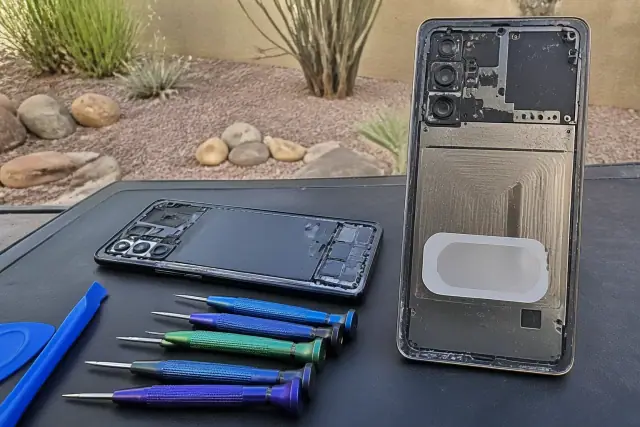
Exterior photos and a written IMEI create a clear drop-off record before the device enters the workshop.
A completed backup is the safety net for every repair scenario, especially when liquid damage or a reset could affect locally stored files.
A factory reset usually is not needed for repair. If one is recommended, back up first and sign out before wiping so anti-theft locks do not block the device afterward.
These cards are not needed for most hardware work and are easy to misplace, so keep them with you throughout the repair window.
Screen locks can stay in place unless the phone must fully boot for testing. If access is required, provide only the temporary device passcode, never passwords for personal accounts.
| Preparation Step | What to Do | Why It Matters |
|---|---|---|
| Complete a backup | Save photos, contacts, messages, and documents to a cloud service or computer. | Protects your files if the phone must be reset or suffers data loss. |
| Sign out and disable device finding | Sign out of device and cloud accounts before any reset. | Prevents anti-theft locks from blocking the phone after repair. |
| Remove physical cards | Take out the SIM and removable memory card. | Protects carrier access and portable files from loss or access. |
| Limit testing access | Disable biometrics only when testing requires it; share a passcode only if necessary. | Allows hardware checks without exposing unrelated accounts. |
| Record the condition | Note the IMEI and photograph the phone's exterior. | Creates a clear record of the device at drop-off. |
Preparing for repair means limiting access without erasing more than necessary. Complete a backup, sign out of accounts, turn off device-finder locks, remove the SIM and microSD cards, and disable biometrics only if testing requires it. A full factory reset usually is not needed for screen, battery, back-glass, or charging-port work unless the technician explains a specific diagnostic reason.
The repair type, whether the phone still powers on, and whether functional testing is required determine how much access to remove. Screen, battery, and back-glass work generally does not require account access, while charging-port diagnostics may need a brief power-on test. Water damage carries the highest data-loss risk because corrosion can reach the storage hardware, so back up immediately after exposure if the phone still works.
You usually do not need to erase a phone for a screen, battery, back-glass, or charging-port repair; a completed backup and account sign-out are enough. A trade-in or permanent handoff is different: transfer your data, remove both cards, sign out, and then factory-reset the old device. If functional testing needs a passcode, provide it only for that test and never share banking or email passwords. Bring the phone charged when possible, and keep two-factor authentication backup codes somewhere other than the device.
Describe the phone, the planned repair, and whether it still powers on. A local Phoenix technician can explain which backup, sign-out, card-removal, and testing steps apply before drop-off.